
§ 01 · Back it up
Back up now or on a schedule, and keep as many backups as you need.
A backup only helps if it ran last night.
Find out it didn't on the day of the loss, and your customer finds out with you.
Back up an app now, or set a schedule for its database and its files. Choose how many backups to keep, download one as an archive, or delete old ones. The newest backup is always kept.
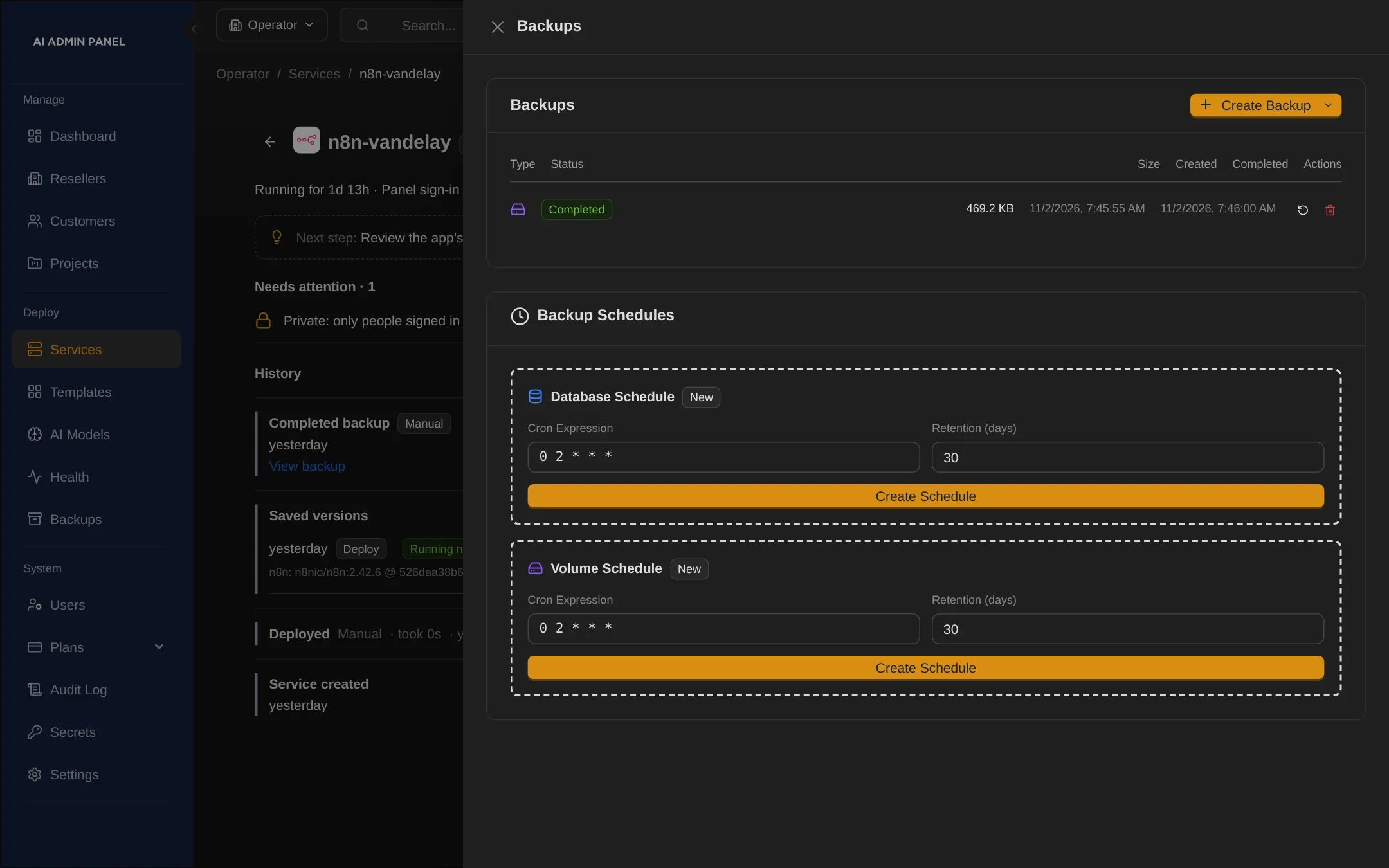
Apps with a Redis or Valkey cache get their PostgreSQL database backed up, and the cache is marked as safe to lose.
§ 02 · Where backups go
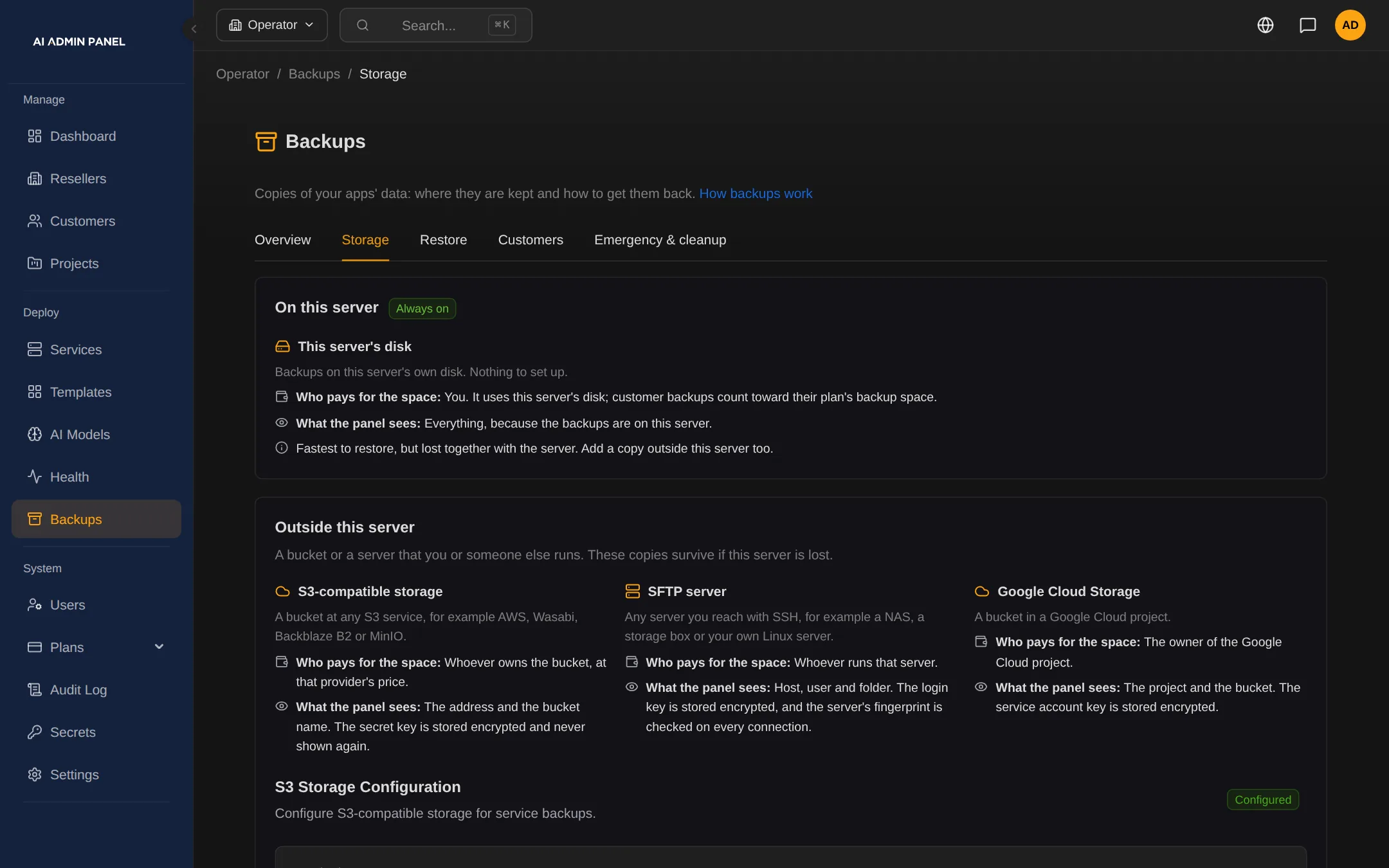
Send each customer's backups to one of seven kinds of storage.
Some customers want their backups off your server. Others already pay for storage of their own.
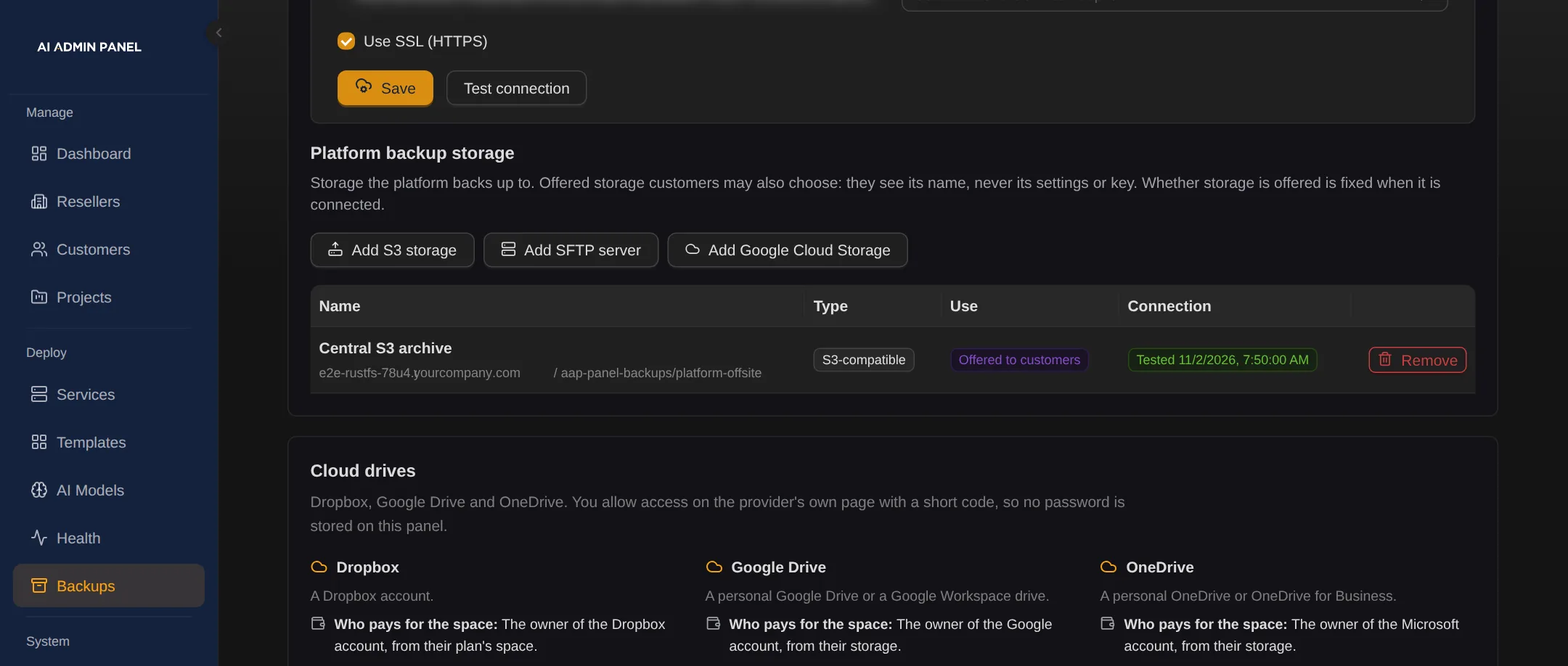
Keep backups on this server, or send them to S3-compatible storage, an SFTP server or Google Cloud Storage. Dropbox, Google Drive and OneDrive are supported, once you set them up.
When the plan allows, a customer connects their own storage, tested first.
A customer's own storage is tested before first use, and its key is kept in their own vault. Backups are encrypted.
The app
Backed up now, or on a schedule
Encrypted backup
The newest one is always kept
-
Your storage
- This server
- S3-compatible
- SFTP
- Google Cloud Storage
The customer's own storage
- S3-compatible
- SFTP
- Google Cloud Storage
Cloud drives, once you set them up
- Dropbox
- Google Drive
- OneDrive
Restore
By you, or by the customer's admin when their plan allows
§ 03 · Customer portal
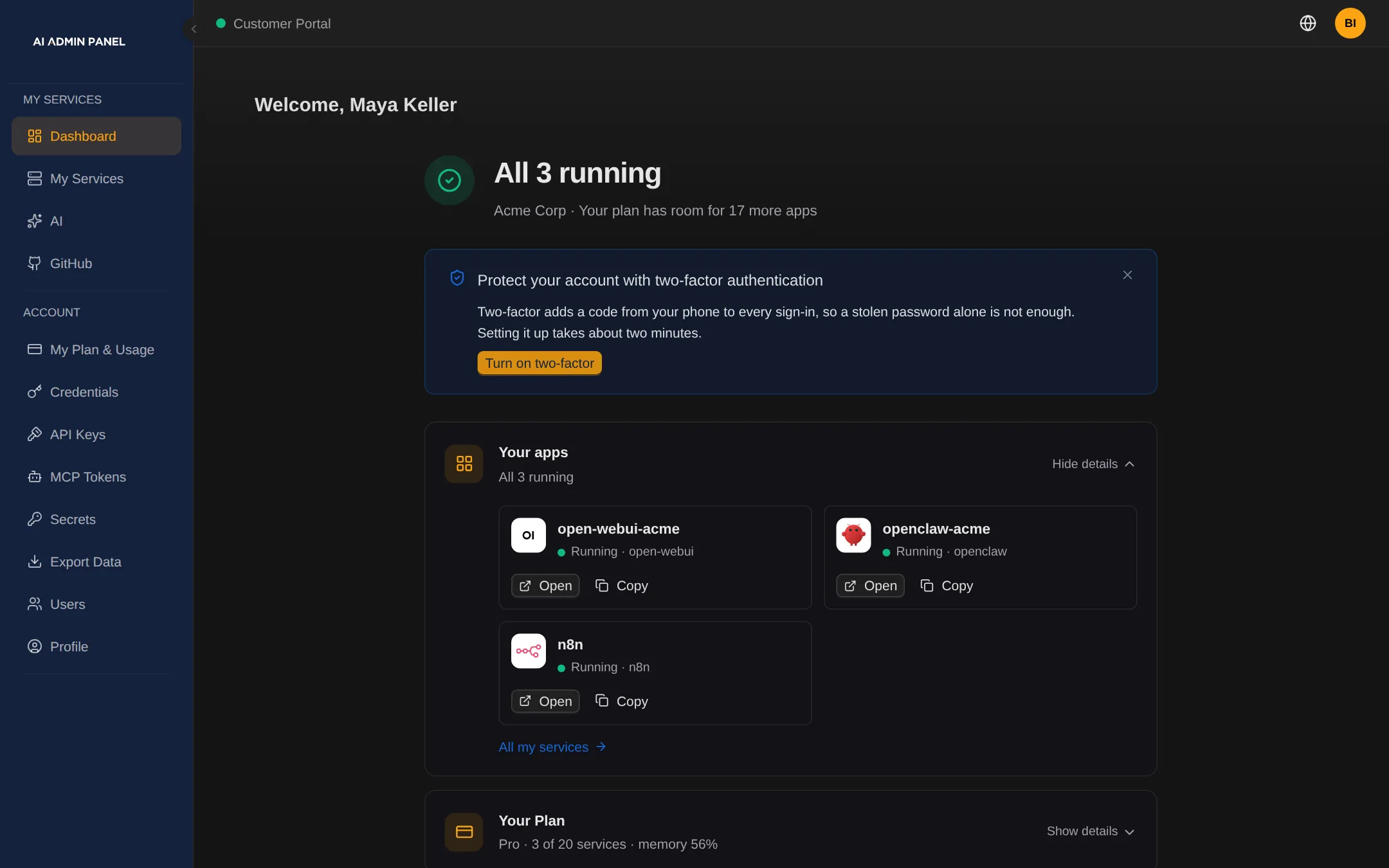
Let customers back up, download and restore their own apps.
Most restore requests are small: one app, back to yesterday.
Each one still waits in your support queue until someone has time.
When their plan and role allow, a customer admin does it in the portal. They back up an app now, set schedules and choose how many backups to keep. They download a backup, delete old ones or restore their own app backups.
§ 04 · Restore
Bring an app back from its backup, with a safety backup taken first.
A restore should never make a bad day worse.
Apps without a database engine, such as n8n and OpenClaw, restore from a volume backup. You or the customer's admin can start it.
Full-snapshot restore works for supported setups, now also for apps assigned to a customer.
Backups don't cover every app the same way. Check each app before you promise recovery. See what backups cover
§ 05 · Your controls
Decide per plan which storage customers may use, and pause backups when you must.
You answer for the storage and the support calls, so the rules are yours.
| Plans | Each plan lists the storage kinds a customer may use. An organisation plan caps what a reseller's customers may connect. |
|---|---|
| Pause | Pause customer backups across the platform, with a reason customers see. Restores and downloads keep working. |
| Deleted customers | Their backups stay ready to export for 30 days. |
| One section | Backups have their own section in the panel, with tabs for storage, restore and customers. |
| Rocky Linux and RHEL | Full backups and restores work on these servers, with SELinux. |
| Safe addresses | Each backup run checks again that a customer's S3 or SFTP address points to the public internet. |
§ 06
Questions about backups
Do cloud drives work straight away?
Dropbox, Google Drive and OneDrive are supported, once you set them up. Until a platform operator turns on cloud connections, the portal says they are not set up.
Can an AI agent start a backup?
Yes, when you switch MCP on. It is off by default. Agents can read backups and start new ones. Restore, delete and rollback are not available over MCP.
Can customers restore without calling us?
Yes, when their plan and role allow. A customer admin restores their own app backups kept on this server, in the portal. API keys and MCP tokens can't restore.