
§ 01 · From the repository
Put a customer's app live from its repository.
A customer sends you the repository their AI wrote.
Every app brings a different stack, and each becomes a one-off setup.
The panel builds from the repository's Compose file, its Dockerfile or a stack Railpack detects. You follow each step, and the app gets its own HTTPS address.
If a first deploy fails, the panel cleans up, shows the reason and refills the form, except for secrets.
§ 02 · Code nobody reviewed
Run AI-written code in its own space, private until it is ready.
AI wrote the code, and nobody has read all of it.
On a shared server, one app's mistake can reach another customer's data.
The app starts private, on that customer's own network. The panel refuses Compose files that ask for privileged mode, the Docker socket or sensitive host mounts.
Customer containers reach the server itself only on web ports and DNS, plus ports you list.
§ 03 · The next change
Ship the next change with a way back.
Next week, the customer changes the app again.
One bad release, and their team is stuck with a broken app.
Pushes to GitHub or GitLab can rebuild the app, once you switch that on. The running app is replaced only after the new build is checked. If a release goes wrong, roll back to a saved version.
The panel keeps the newest ten versions of each app.
§ 04
Four ways to put an app live
Git
From a repository address.
Docker Compose
From your Compose file.
AI Deploy
Reads the repository and proposes how to run it.
The catalog
Backends such as PostgreSQL or Supabase.
For builders: a workspace on your server
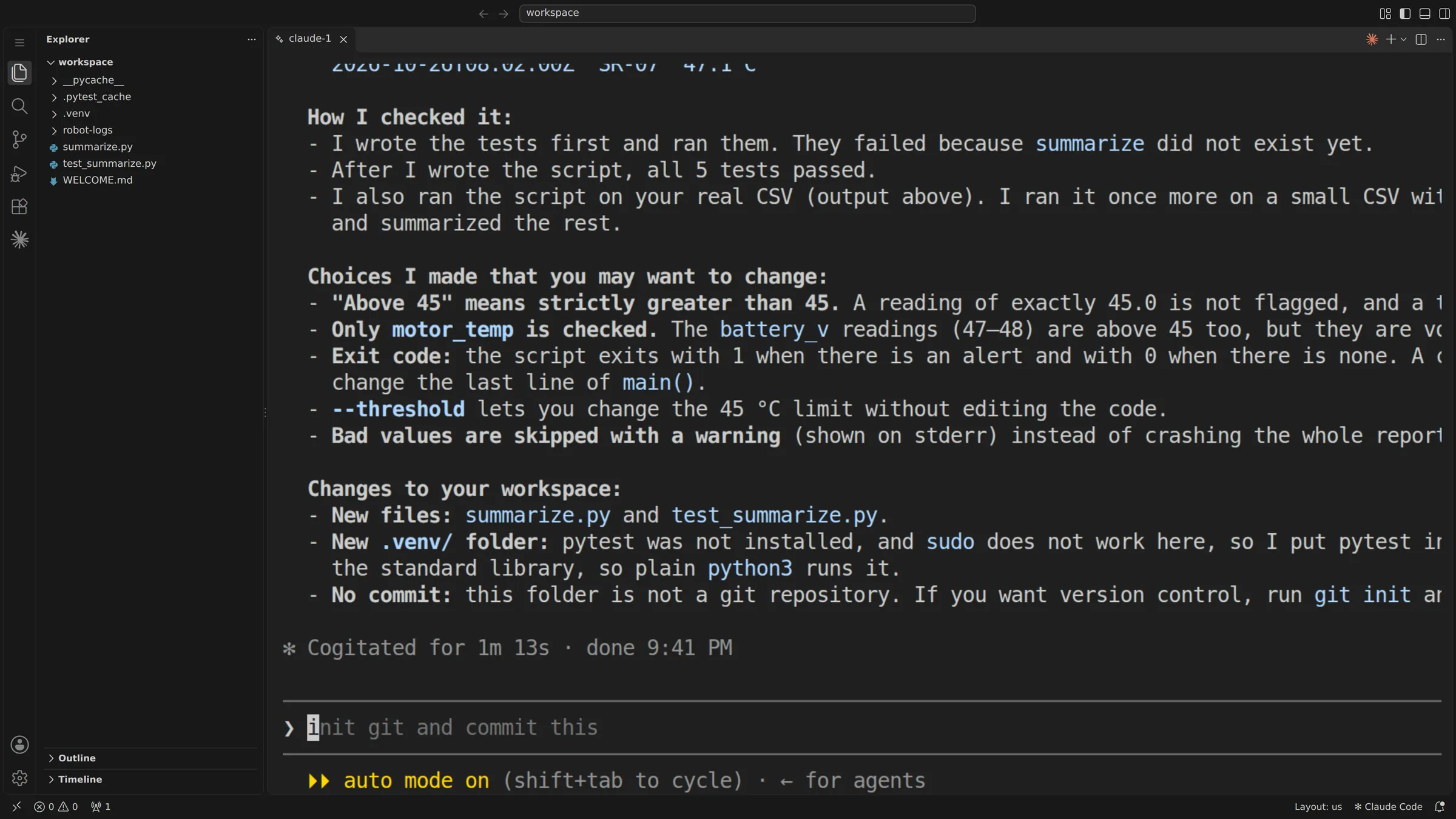
Claude Code, Codex, OpenCode and Pi run in the browser, with your own key or subscription.
§ 05
Good to know
- Git deploys need a public repository today. Connecting a GitHub account is in preview.
- Some stacks, such as Next.js or Vite, need their own Dockerfile.
- AI Deploy needs an AI provider. Changes in its review form are not applied. An outside provider receives what it reads.
- A rollback can't undo data changes. Apps built from a repository's Compose file can't roll back.
- Workspace sessions end when the workspace restarts. Kept files are not a backup.
§ 06
Questions about app hosting
Who deploys the app, your team or the customer?
Your team deploys it from Git. The customer then sees the app in their own portal, with the actions you allow.
Can we hand an app over to a client?
Move the app to the client's account, with its stored passwords and keys. Their team signs in to their own portal. Who owns the code is set in your contract.
Can the app use the customer's own domain?
In the Power User and Web Host editions, an app can answer at the customer's own domain.