
Developers and AI professionals
Build AI apps, agents and automations, and run them on your server.
For developers, freelancers and AI consultants who build with AI. Build in a browser workspace, put it live from Git, and run it for your clients as a service.
Public install opens soon. The free edition covers up to three customers and five services.
§ 01
Take what you built with AI from your laptop to a live app.
You built an app, an agent or an automation with AI, for a client or for yourself. It works on your laptop.
Then it needs a server, a web address and someone to look after it. Too often that means Docker networking at 2 a.m., and passwords in a chat thread.
| Today | With AI Admin Panel |
|---|---|
| A server one developer set up by hand | Live from Git, Compose or AI Deploy, on your server |
| Half-finished apps open to anyone | Most new apps start private, behind your panel sign-in |
| Passwords in a chat thread | The client signs in with their own account |
§ 02
Apps, agents and automations, side by side on the same server.
Your clients don't only want an app. They want the routine work done for them.
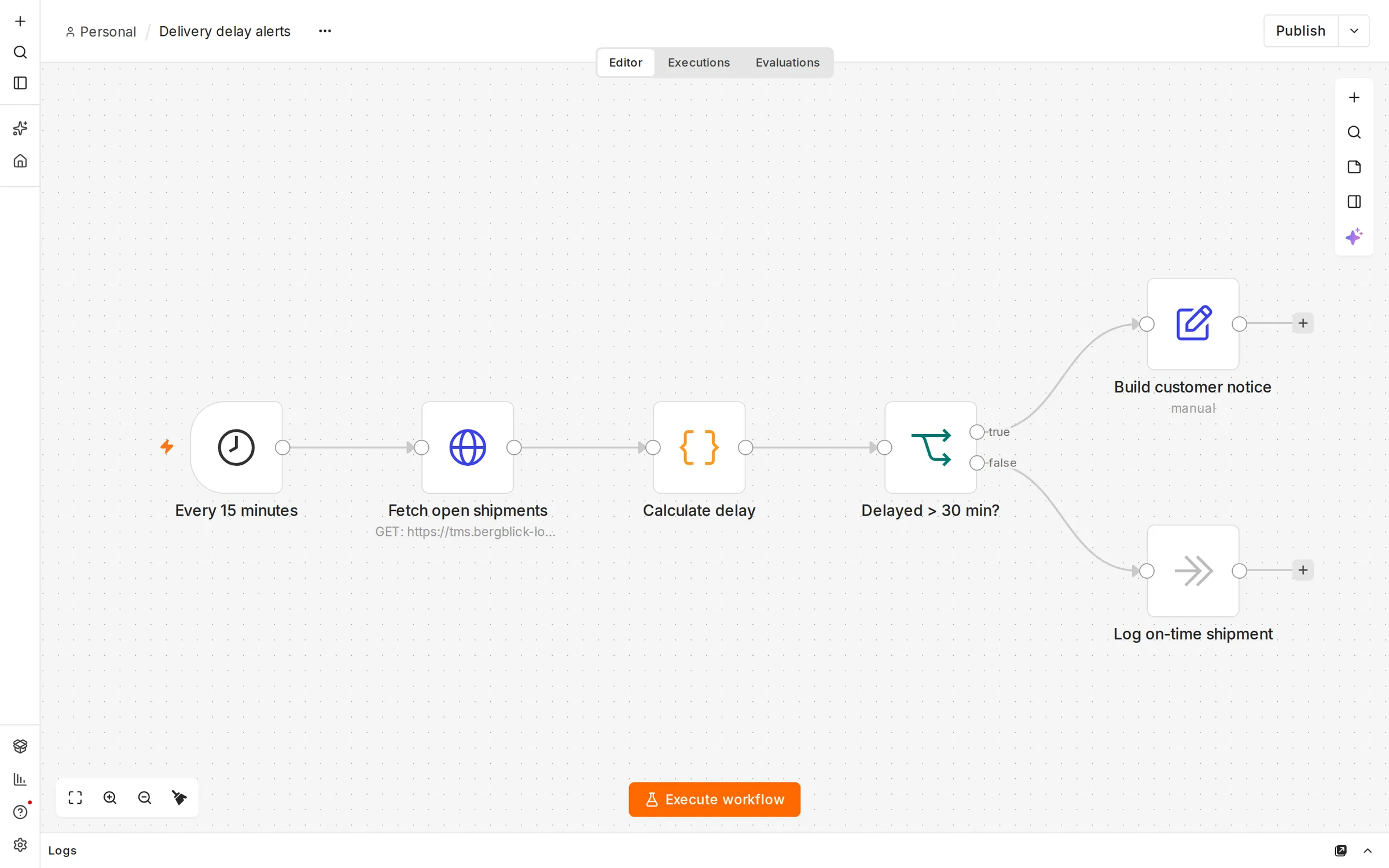
Run each client's agents and automations next to the apps you build for them, each private from the start.
-
1 ·
Vibe-coded apps
Apps you and your clients build with AI, live from Git, Compose or AI Deploy. Build and host, in one place, on your server.
-
2 ·
Agents and automations
OpenClaw and Hermes from the catalog, to deploy as agents. n8n, Dify and Langflow to build automations and agents for your clients.
-
3 ·
Managed private AI
Local models, the client's own key or your metered key, chosen per app, where the app supports it.
§ 03 · How you earn
Offer automation as a service, not a one-off project.
A project pays once. Running the automation for the client can pay every month.
Charge a setup fee, a monthly care fee and the AI usage on your metered key, with a budget per client.
| 10 clients, each with one automation or app you built | |
| Setup, once: €1,000 per client | €10,000 |
| Care and hosting: €300 per client per month | €3,000 a month |
| AI usage on your metered key, passed on with your margin | your price |
| Panel licence | the edition you choose |
The panel doesn't invoice your clients. Your own billing system sends the invoices.
Sell the build, then the care, every month.
Hand over each app with the client's own sign-in.
Your own apps and your clients' automations on one server.
§ 04 · Security
Security comes first.
Each customer apart
Their own account, their own network and their own vault for passwords and keys.
Private by default
New apps start behind your panel sign-in. The panel refuses Compose files that ask for privileged mode or the Docker socket.
Tested
We run intensive tests against several security frameworks, and we work with outside security companies.
§ 05 · Your servers
Every developer starts from the same workspace.
Every developer sets up their machine differently, and the client pays for that time.
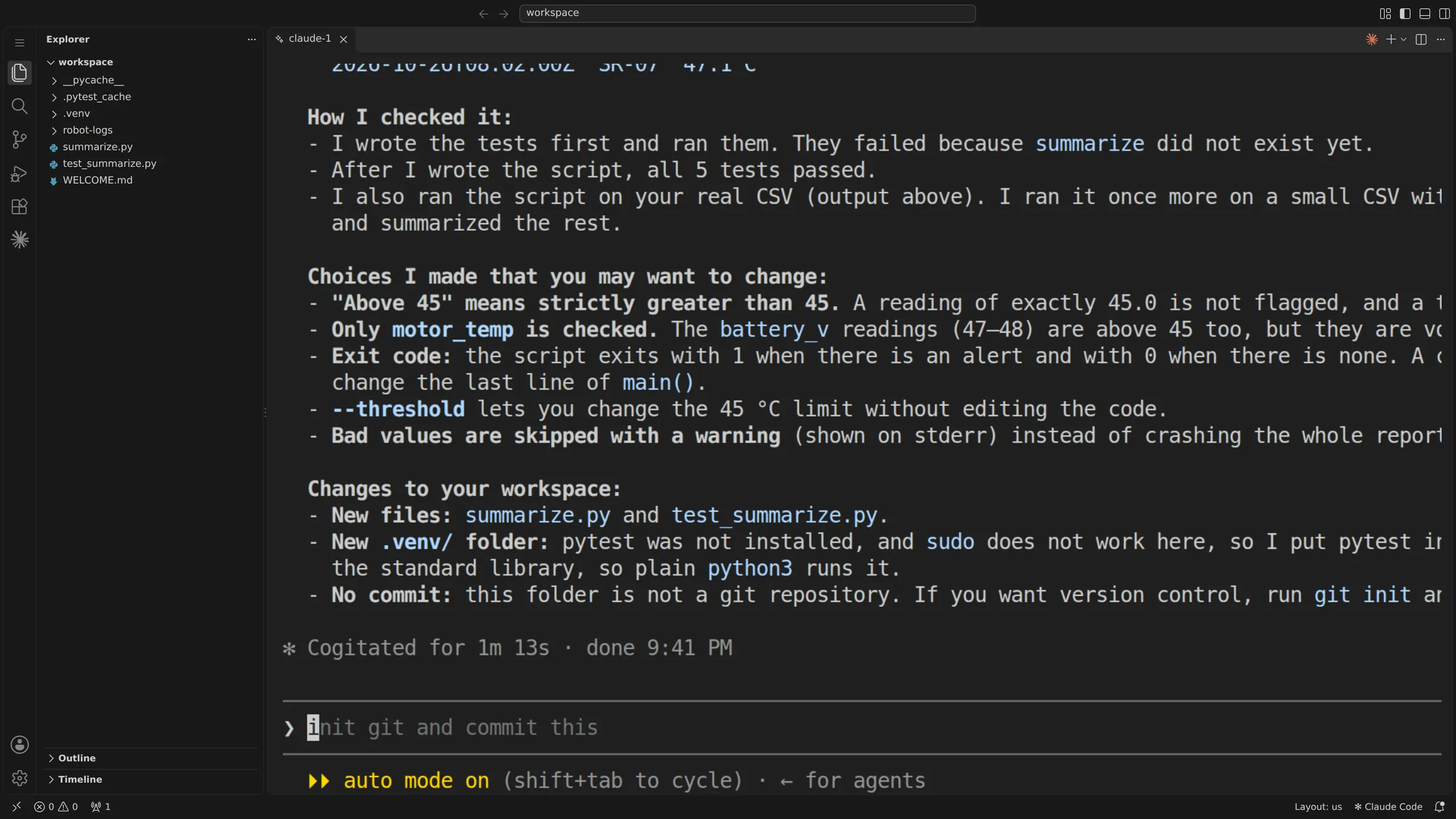
Open a ready coding workspace in the browser, with Claude Code, Codex, OpenCode or Pi, on your server. Files and sign-ins are kept between visits.
Deploy from Git and follow each build step as it runs. If a deploy fails, the panel shows which step and why. The app stays private until you publish it.
Working on your own? The same panel runs your own apps and agents.
§ 06 · Your customers
Hand over the app, and give the project a clear end.
On handover day, the client wants to sign in on their own.
Without a clear handover, the project never really ends, and every question comes back to you.
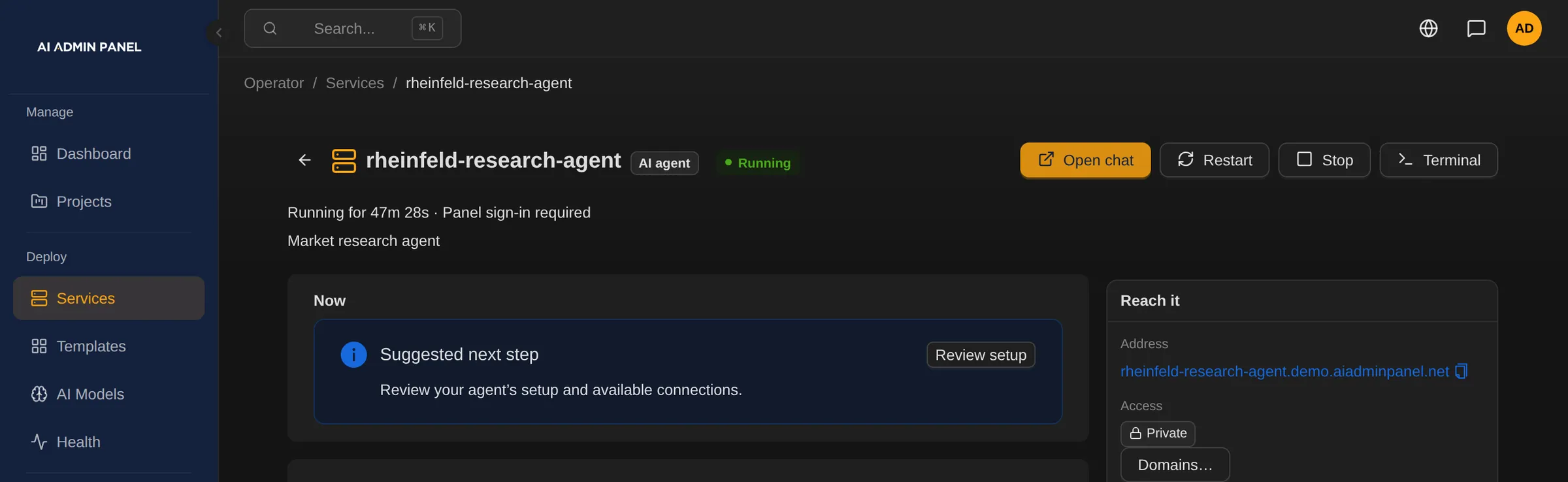
Move the finished app to the client's account. Its stored passwords and keys move with it. Invite the client's team to their own portal.
Show them each app's sign-in details and first steps. The panel records each time someone reveals a password.
§ 07 · Your rules
Ship the next release knowing there is a way back.
A release goes wrong, and the client's team is already using the app.
Fear of that moment makes every change feel like a risk.
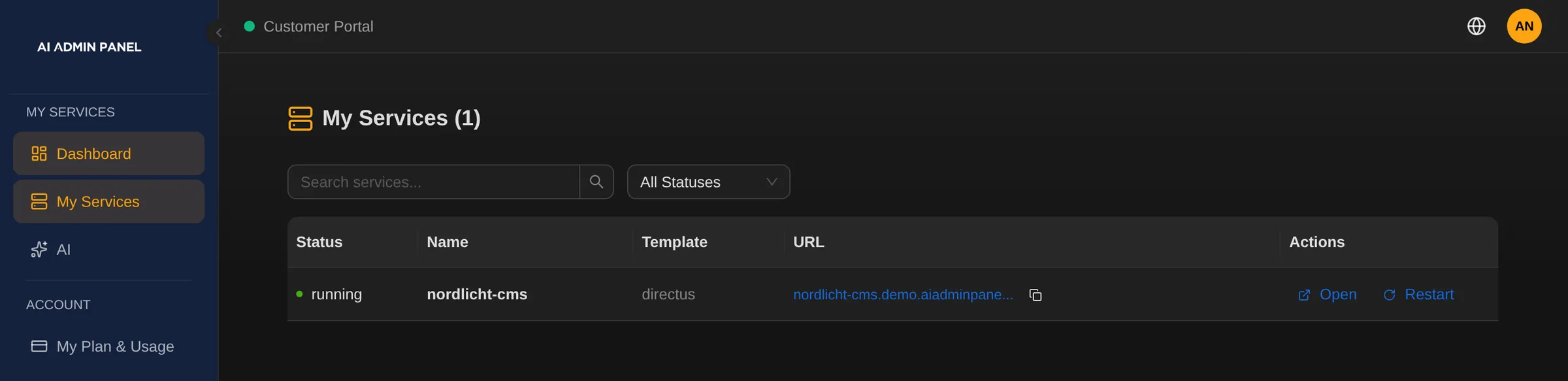
The last ten successful deploys are saved. Put the previous version back, and the client's current data stays as it is.
For ongoing care, the panel flags what needs attention and alerts your team. You see what a retainer involves before you price it.
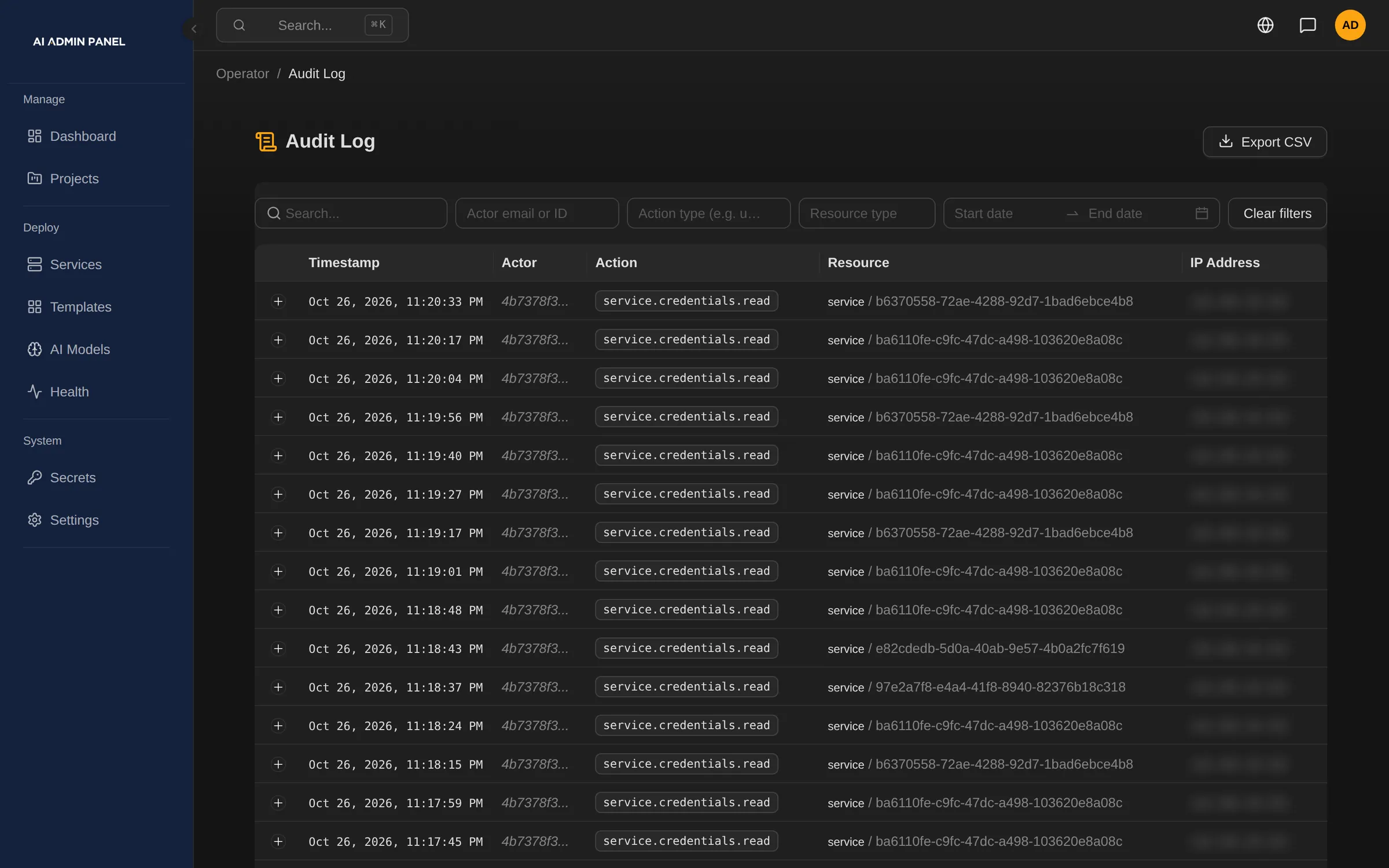
§ 08
From the first commit to handover
- Your team
Build
in a browser workspace, with your own coding agent.
- Your team
Deploy
from Git, and follow each step.
- Your team
Check
the app while it is private.
- Your team
Publish
it when it is ready.
- Your team
Hand it over
to the client's account.
- After handover
Keep looking after it,
if you agree to.
§ 09
Start free with your own apps, and add client plans later.
| Edition | What it covers |
|---|---|
| Free | Up to three customers and five services, for trying it |
| Power User | Removes the free limits, and adds custom domains and S3 backup |
| Web Host | Power User, plus organisations, roles, projects, plans and resellers |
Each paid edition has a 14-day trial.
Good to know
- Git deploys need a public repository today. Some stacks, such as Next.js or Vite, need their own Dockerfile.
- The coding workspaces use the developer's own subscription or key. The panel's AI routes are not available to them.
- Running workspace sessions end when the workspace restarts.
- Publishing can't be undone yet. There are no preview environments or built-in client approvals.
- A rollback leaves the data as it is. Apps built from a Compose file in the repository can't roll back.
- AI Deploy needs an AI provider set up in the panel. An outside provider receives what it reads.
- n8n's incoming webhooks work once the app is public.
§ 10
Questions developers ask
Can it deploy our private client repositories?
It deploys from Git repositories anyone can clone. Connecting a GitHub account is in preview, and private GitHub repositories are still to come.
Does the handover transfer the code?
The handover moves access in the panel: the app, its passwords and keys go to the client's account. Who owns the code is set in your contract.
Can I run my own apps next to my clients' work?
Yes. The same panel runs your own apps and agents next to the ones you run for clients. The free edition covers up to three customers and five services.